

The document stayed. The chart moved on.
A rolling chart inside an incident review can move beyond the event it explains. What would I keep beside the paragraph?
Yesterday’s sentence, today’s chart
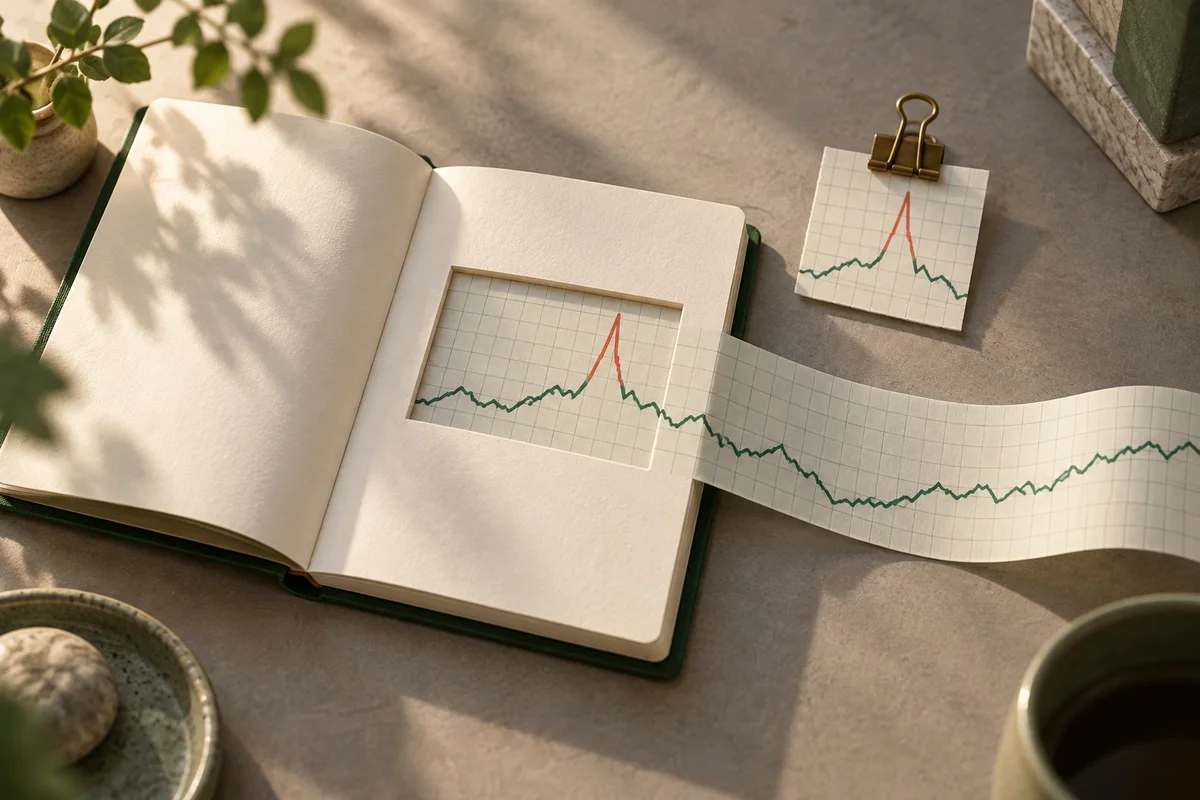
Imagine attaching a “last 30 minutes” chart to an incident review. The paragraph says errors rose at 9:10 a.m. A colleague opens the document the following day. The graph is calm.
There was definitely a spike there yesterday.
The recovery is welcome. But the colleague now needs another explanation: the sentence describes yesterday, while its neighboring chart shows this morning.
Oxynote’s README brought this scene to mind. The technical wiki places live metrics beside explanatory paragraphs and lets changes to text and chart configuration go through a shared review. Bringing the place where I check a system closer to the place where I learn what its numbers mean appeals to me.
With them that close together, I would also like to see which moment each is describing.
One address, another morning
A rolling 30-minute window makes sense in a runbook. Someone deciding what to do next needs to know whether the problem is continuing. An updating line inside the page can save a trip elsewhere.
An account of the incident uses time differently. A sentence saying that work stopped when errors rose is easier to understand alongside what was visible at that decision.
Copying a chart’s address can feel like saving that view. But if the link recalculates a window relative to now, the next reader opens another morning at the same address.
The helpful graph has taken the role of a witness, then wandered elsewhere the next day. The link still opens perfectly. That could make the mismatch harder to notice.
A place to write the time
For this imagined review, I would begin with a date and timezone: 09:00 to 09:30 on the incident date, Korea Standard Time. “Around nine” leaves too much for someone else to infer.
Prometheus’s range-query API specifies an expression, start and end timestamps, and an evaluation interval called step. Those fields suggest conditions I would keep beside a saved chart.
Which service and region were selected? What expression produced the line, and at what interval was it evaluated? An image filename is a poor place to recover those details. Small print under a beautiful chart may be unromantic, but it could spare the next reader several questions.
Fixing the time range does not itself retain the response seen at that moment. Whether the data can be queried later and what the author actually observed deserve their own record.
For an important scene, I would keep the query conditions together with the returned result or a capture, plus the capture time. A screenshot alone cannot reproduce the calculation, but it can preserve the line that informed the paragraph.
That line still cannot establish the cause of the incident. Observing an error increase near a change leaves more work before concluding that the change caused it. A better record does not finish the reasoning for us.
Somewhere to refresh, somewhere to return
I would keep both views in the document. The person responding now needs the current system; someone reading the incident later needs the interval being discussed.
The operational chart could continue updating near the top. Beside the incident paragraph, a smaller observation could name that day’s interval. The headings should make clear which view the reader has reached.
If a fresh problem appears in the current chart, that begins another investigation. I would leave the earlier review’s capture in place. Quietly replacing it with today’s picture could change what yesterday’s sentence appears to mean.
I return to the colleague puzzling over the calm graph. Beside “Current status,” I would add another link.
“That morning.”